A prospective client lands on your homepage after seeing your setup at a friend’s wedding, fully prepared to secure their own date. They click to book, only to be met with a generic contact form asking them to manually type out their venue, event type, and desired hours into a blank text box. At that exact moment, their momentum stalls. Building a professional photobooth website is rarely about finding the most elaborate design template; it is about constructing a friction-free conduit between a client’s initial impulse and a confirmed booking deposit. When the digital infrastructure forces the customer to work hard just to hand over their money, they will simply close the tab and find a competitor who makes the process effortless.
Quick Summary
A photobooth website serves as the primary booking engine and digital storefront for an event hire business. It must seamlessly transition a visitor from viewing service capabilities to submitting qualified event details without generating administrative friction.
– Map out the exact client booking sequence before selecting your software platform.
– Separate your service landing pages by event type rather than hardware inventory.
– Display transparent, tiered pricing to qualify leads immediately.
– Implement progressive lead capture to gather essential details without overwhelming the user.
– Optimise visual galleries for fast mobile loading and clear social proof.
Table of Contents
- 1. Define the Photobooth Website Booking Flow
- The booking sequence dictates your infrastructure requirements
- 2. Structure Pages by Client Event Type
- Clients buy event solutions, not hardware specifications
- 3. Integrate Transparent Pricing Tiers
- Hidden pricing generates administrative friction and unqualified leads
- 4. Implement Progressive Lead Capture
- Long initial forms actively suppress your conversion rates
- 5. Curate Visual Proof of the Client Experience
- Generic equipment photos fail to establish professional trust
- 6. Guarantee Mobile Performance and Speed
- Desktop-first design ignores the reality of modern event planning
- Common Pitfalls and Troubleshooting
- FAQ
- Recommended Reads
1. Define the Photobooth Website Booking Flow
The booking sequence dictates your infrastructure requirements
Before writing a single line of copy or uploading an image, you must map the exact sequence of actions a visitor takes from landing on the site to paying a deposit. A successful booking flow requires your website to communicate directly with your availability calendar. When a user selects a Saturday in June for an event in Moray, the site must query your inventory and instantly confirm availability.
This is achieved through API integrations or webhook handoffs connecting your front-end site to dedicated event management software. If you build on a platform that does not support two-way calendar sync, you rely on manual data entry. That manual process fails the moment your business scales to handling multiple enquiries per day during peak season. Choosing the software foundation before mapping this flow is the primary mistake event operators make. They select a visually appealing template, only to realise months later that it cannot handle automated date blocking or dynamic contract generation.
The mechanism here is data portability. When a client enters their venue address, that data must flow straight into your CRM, populate the final contract, and calculate the travel radius automatically. If you have to copy and paste venue postcodes from an email into Google Maps to quote a client, your flow is broken.
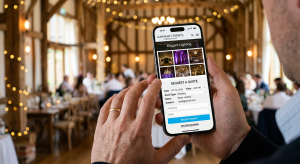
Check your current setup today by navigating your own booking process on a mobile device. Count how many clicks it takes to get from the homepage to a submitted enquiry. If it is more than three, your flow is too complex. For a deeper look into selecting the right foundation, reviewing Choosing the Best Photobooth Website and Platform Features for Your 2026 Event provides clarity on software requirements.
2. Structure Pages by Client Event Type
Clients buy event solutions, not hardware specifications
Creating dedicated landing pages for specific types of events is far more effective than simply listing your hardware models. A bride planning a wedding in Aberdeenshire is looking for reliability, aesthetic integration, and features like custom print designs or an audio guestbook. Conversely, a corporate event planner wants to know about GDPR-compliant data capture, custom branding wrap dimensions, and confirmation of £10m Public Liability insurance.
Structuring your site with distinct pages for weddings, corporate functions, and private parties allows you to tailor the copy directly to these entirely different sets of anxieties and priorities. The private party host booking a birthday wants to see fun props and a compact footprint; they do not care about data harvesting capabilities.
The mistake operators make is naming navigation tabs after hardware, such as “360 Spinner” or “Selfie Pod”, forcing the client to guess which piece of equipment suits their event. This shifts the burden of technical understanding onto the buyer.
Review your primary navigation menu today. If the dropdown lists equipment types instead of event types, you are asking the customer to do the work of translating their need into your inventory. Proper hierarchy prevents this confusion entirely, as outlined in How to Structure a High-Converting Photobooth Website in 2026.
3. Integrate Transparent Pricing Tiers
Hidden pricing generates administrative friction and unqualified leads
Displaying clear, tiered pricing directly on your service pages acts as an immediate filter for your business. Pricing psychology in event hire relies on anchoring. By presenting a baseline package alongside a comprehensive premium package, you provide immediate context.
The mechanism is straightforward: list a starting price for a digital-only pod drop-off, then clearly display the upgrades for a fully staffed premium package that includes unlimited prints, a custom backdrop, and a dedicated attendant. Crucially, you must explicitly list inclusions such as travel radius limits and idle hours. Displaying that your equipment is PAT-certified next to your premium pricing helps justify the cost by highlighting your professionalism.
The failure mode here is hiding all pricing behind a generic “Contact for a Quote” button. This generates a high volume of administrative friction by inviting enquiries from leads whose budgets do not align with your service level, wasting hours of your time sending quotes that will never convert.
Practical rule: Place your baseline starting price above the fold on every service page; if a user has to scroll endlessly or submit a form just to find out if they can afford you, they will simply leave for a competitor who is transparent.
Ensure every service page clearly defines what is included in the base rate. For insight into what elements dictate these numbers, Understanding Your 2026 Wedding Photobooth Cost: 7 Key Pricing Factors breaks down the variables clients look for.
4. Implement Progressive Lead Capture
Long initial forms actively suppress your conversion rates
Using conditional logic in your contact forms allows you to gather comprehensive information without overwhelming the user on the first step. Progressive lead capture splits the enquiry process into digestible stages.
Stage one is the barrier to entry: it asks only for the event date and the venue postcode. If the date is unavailable in your calendar, or the venue is outside your operating radius, the system politely declines the booking immediately. This saves both parties time. If the date is free, the form smoothly expands to ask for package preferences, followed by the user’s name and contact details. Advanced forms use postcode lookup APIs to auto-fill address data, drastically reducing the number of keystrokes required on a mobile device.
Presenting a massive, ten-field form immediately actively suppresses conversion rates. Asking for exact setup times or billing addresses before providing a basic quote creates unnecessary friction. Clients do not know their exact evening timeline twelve months out from a wedding, so forcing them to guess stalls the booking.
Count the required fields on your initial contact form today. Reduce them to five or fewer: Name, Email, Date, Venue, and Event Type. Establishing this clean intake process is a core component of A Complete Guide to Professional Event Hire for Seamless Occasions in 2026.
5. Curate Visual Proof of the Client Experience
Generic equipment photos fail to establish professional trust
Social proof is the primary currency in the event entertainment sector. Prospective clients need to visualise their own guests interacting with your service. Building a portfolio that demonstrates the client experience is far more important than simply displaying high-definition photos of your inventory.
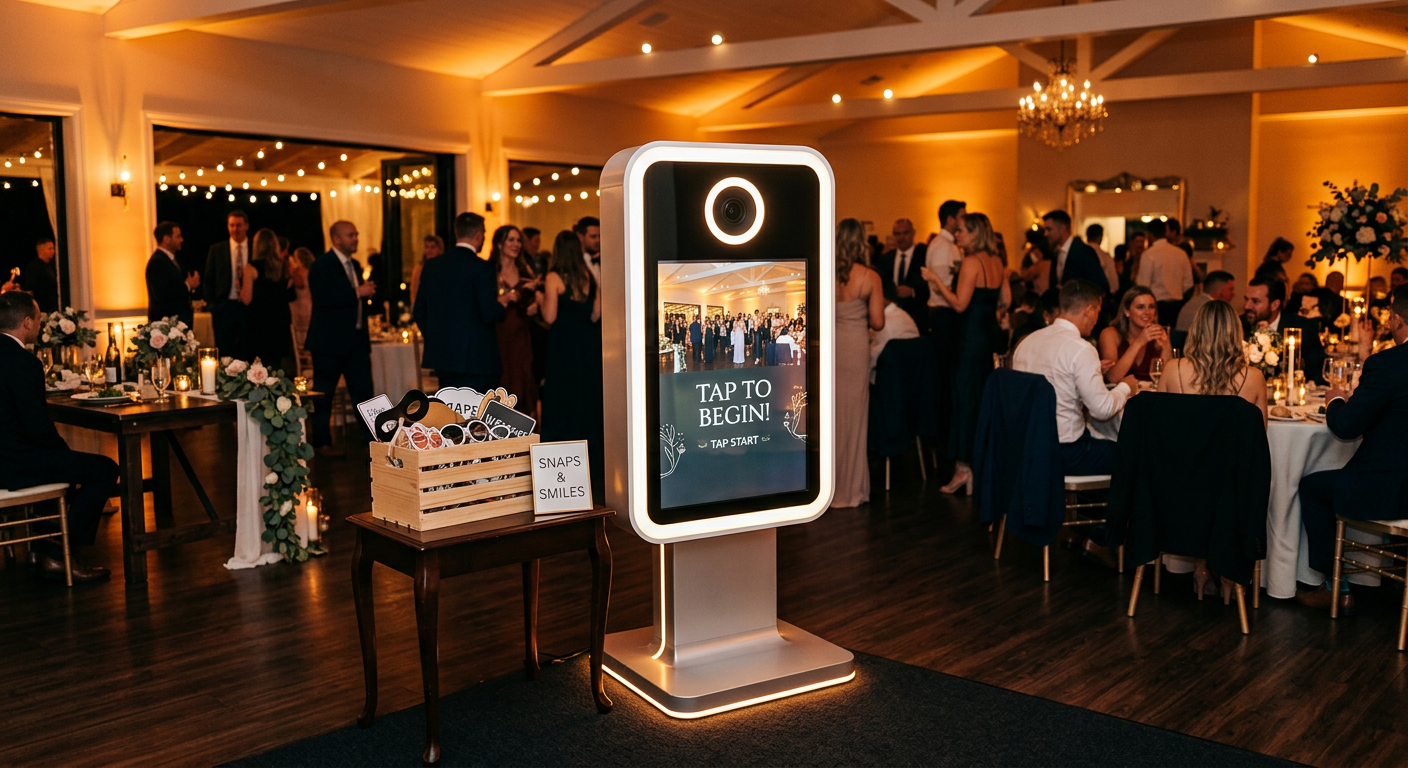
Your gallery must feature high-resolution images of people actively using the touchscreen, laughing with premium props, and holding high-quality physical prints. The environment matters just as much; show the equipment set up in premium venues with professional room uplighting. This demonstrates that your setup enhances the room aesthetics rather than cluttering the dancefloor.
Relying on generic stock photos of booths, or uploading low-resolution mobile phone pictures of your equipment sitting empty in a messy lock-up, actively destroys trust. If a client is spending heavily on their venue styling, they will not hire a supplier whose equipment looks untidy.
Audit your homepage gallery right now. If more than half the images are of empty booths without people in them, replace them with action shots from your next event. Selecting the right visual evidence is critical, as detailed in Choosing the Right Photo Booth Rental for Your Event: A 2026 Guide.
6. Guarantee Mobile Performance and Speed
Desktop-first design ignores the reality of modern event planning
Most event planning happens on smartphones during commutes or lunch breaks. If your site relies on massive hero videos or intricate hover states, it will fail entirely on a touchscreen interface.
The mechanism of mobile optimisation requires sizing tap targets for forms and buttons to at least 44×44 pixels to prevent accidental clicks. You must serve responsive image subsets, converting heavy gallery assets into the WebP format, and enforce lazy loading so that off-screen images do not delay the initial page render. Capping your total gallery weight per page to under two megabytes is a strict technical limit you must observe.
The mistake operators make is testing their site exclusively on a large desktop monitor connected to fast office Wi-Fi, completely missing the fact that their mobile dropdown menu overlaps their primary booking button on a standard 4G smartphone screen.
Load your own service page on your smartphone while disconnected from Wi-Fi today. If it takes longer than three seconds to become interactive, you are actively losing bookings to faster competitors. Understanding this infrastructure is a core part of A Comprehensive Guide to Professional Event Management for 2026.
Common Pitfalls and Troubleshooting
1. High Traffic, Zero Enquiries
Symptom: Your analytics dashboard shows hundreds of visitors landing on your pricing or booking page, but your inbox remains completely empty.
Fix: The issue is almost always form complexity or hidden pricing. If you force users to fill out eight fields just to ask a question, they will bounce. Simplify your lead capture form to just a date and venue check. This is by far the most often the real cause of an underperforming site.
2. The Ghosted Quote
Symptom: Leads submit the contact form, you manually calculate a price and email them back a day later, and they never reply.
Fix: You are responding too slowly. Modern event clients expect instant gratification. You must implement an automated pricing calculator or CRM auto-responder that delivers a brochure and estimated quote within five minutes of submission.
3. The Double-Booked Date
Symptom: Two separate clients manage to pay a securing deposit for the same hardware on the exact same Saturday night.
Fix: Your website form is entirely disconnected from your inventory calendar. You must implement a two-way API sync between your website and your booking software so that a paid deposit instantly blocks that date out across the entire site.
4. The Overloaded Server Crash
Symptom: During peak booking season (typically January for weddings), your site slows to a crawl or returns 504 Gateway Timeout errors when users try to view your galleries.
Fix: Shared, low-cost hosting plans throttle server resources when multiple users access image-heavy galleries simultaneously. You need to migrate to a managed hosting environment that utilises a dedicated Content Delivery Network (CDN) to serve your portfolio assets efficiently.
FAQ
Should I list my prices publicly on my website?
Yes. Displaying transparent pricing acts as an immediate filter. It prevents you from wasting hours quoting clients whose budgets do not align with your services, while reassuring premium clients that they are dealing with a transparent, professional outfit.
Do I need a dedicated CRM integration for my site?
If you handle more than a handful of bookings per month, a CRM is essential. Relying on basic email contact forms quickly leads to lost enquiries, missed follow-ups, and ultimately, lost revenue. A CRM automates the entire intake process.
How many photos should I include in my portfolio?
Focus strictly on quality over volume. A curated gallery of twelve to fifteen high-resolution, diverse action shots showing guests interacting with the service in well-lit, premium venues is far more effective than an unedited dump of hundreds of images from a single party.
Can I build the booking system myself or should I hire a developer?
Most modern website builders are perfectly capable of hosting a professional event business, provided you structure them correctly using off-the-shelf booking widgets. You only need a custom developer if you require bespoke API integrations with obscure legacy software.
What is the most important feature of an event hire website?
Frictionless lead capture. While aesthetics and branding are important, if a user cannot easily check a date and submit an enquiry within sixty seconds of making a decision, all the visual design in the world will not save the booking.